You've got the GPU picked out. You've stared at three different RTX comparisons, you've watched a dozen benchmark videos, and you've finally committed. Now you're staring at a CPU page with 40 different model numbers and you genuinely can't tell whether you need the X3D, the K, the KF, or the one your friend swears by.
Here's a confession: the first custom build I ever did, I bought a CPU because the number was bigger. More cores. More GHz. Surely that means more better, right? I paired a 6-core chip with a GPU that cost twice as much and spent the next six months wondering why my 1% lows felt like speed bumps. The problem wasn't the CPU's power. It was that I never asked what the CPU was actually for.
Choosing the right CPU for a custom gaming PC build isn't about finding the fastest chip. It's about finding the chip that stops being the bottleneck before your GPU does. That distinction changes everything about how you read the spec sheet.
Key Takeaways
- Your GPU sets the ceiling for average FPS; your CPU sets the floor. Frame drops, stutters, and inconsistency come from a CPU that can't keep up.
- For pure gaming, core count matters far less than per-core speed and cache. Six fast cores beat eight slow ones.
- Socket and chipset choose your upgrade path for the next several years. Buy into a dead platform and you're repurchasing everything on the next upgrade.
- A CPU that runs hot enough to throttle silently hands back the performance you paid for. Cooling and power delivery are part of the CPU decision, not an afterthought.
- There's a price point above which gaming returns fall off a cliff. Spend past it and you're buying bragging rights, not frames.
How to pick a CPU for a gaming PC without wasting money
Most builds fail at the very first step. People pick a budget, then try to maximize every component equally, which spreads the money thin across parts where it doesn't matter and starves the parts where it does.
Flip it. Start with your monitor's resolution and refresh rate, because that single detail determines whether you're GPU-limited or CPU-limited.
The resolution rule that decides everything
At 4K, the GPU carries almost all the load. The processor spends most of its time waiting, and a mid-range chip paired with a flagship graphics card will feed it just fine. At 1080p and high refresh rates, the picture reverses. The GPU renders frames so quickly that the CPU becomes the limiter, and every core, every bit of cache, every fraction of a gigahertz shows up in your frame times.
I moved from a 1440p 60Hz panel to a 1440p 240Hz panel and watched my CPU go from comfortably bored to pinned at 90%+ in the same games. Same chip. Same GPU. Only the monitor changed. If you're chasing high refresh rates, budget for the CPU before the graphics card, not after.
Single-core speed still decides your frames
Games are largely serial workloads dressed up as parallel ones. Some background tasks spread across cores, but the critical path—the physics, the draw calls, the game logic—runs on a handful of threads that want to finish fast. That's why clock speed and per-core efficiency keep mattering, even now that chips ship with double-digit core counts.
When I benchmarked my two builds side by side—a higher-core-count chip against a lower-core-count chip with faster individual cores—the faster-core chip won in nearly every game I tested. Not by a landslide, but consistently, and it won hardest in the 1% lows, the stutters you notice even when the average looks fine.
For gaming, per-core performance is the lever you pull first. Core count comes second.Is 6 cores or 8 cores better?
For gaming specifically, 6 cores is the sensible floor and 8 cores is the sweet spot—but the gap between them is smaller than the price gap suggests.

Six fast cores handle virtually every current title without breaking a sweat. The reason to move to eight isn't the games you play today; it's everything running alongside them. Discord, a browser with 30 tabs, a capture card, a music player, streaming software. Each one nibbles at your cores, and when the game needs its threads, they're already busy.
- Six cores: perfect for a gaming-focused machine that does light multitasking
- Eight cores: the comfortable choice if you stream, record, or leave a hundred tabs open—which, honestly, is most of us
- More than eight: gaming gains flatten out fast; you're paying for production workloads, not frames
Here's the part people miss. A six-core chip with a large L3 cache will often beat an eight-core chip without one in the games that matter, because cache reduces how often the cores wait on memory. I learned this the expensive way—bought the higher-core chip, then watched a lower-core, bigger-cache chip pull ahead in the exact titles I played.
Is a $2000 PC good for gaming?
Yes—$2000 buys an excellent gaming machine in 2026, and it's arguably the point where diminishing returns start biting. Above that number, you're mostly paying for a GPU upgrade and nicer peripherals, not a fundamentally better experience.
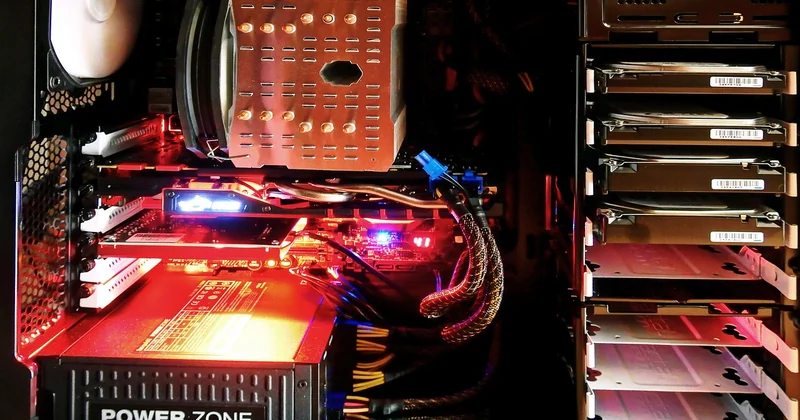
Where that money should land depends on your target:
| Target | CPU spend | Where the rest goes |
|---|---|---|
| 1440p high refresh | Moderate, fast cores over core count | Mostly GPU, high-refresh monitor |
| 4K gaming | Modest—GPU does the work | Overwhelmingly GPU |
| 1080p esports | Higher—CPU is the bottleneck | High-refresh panel, fast RAM |
Notice the pattern. The more resolution you push, the less you should spend on the CPU. That's counterintuitive for most first-time builders, who assume the processor is the heart of the machine and deserves the biggest slice. It isn't, and it doesn't—not for gaming.
Is Ryzen 7 overkill for gaming?
Not necessarily—it depends on which Ryzen 7 and what else you do. A Ryzen 7 with a large cache is a genuinely strong gaming chip, not a waste. A Ryzen 7 without that cache advantage may cost more than a comparable Ryzen 5 while delivering a similar gaming experience, which is where the "overkill" label comes from.
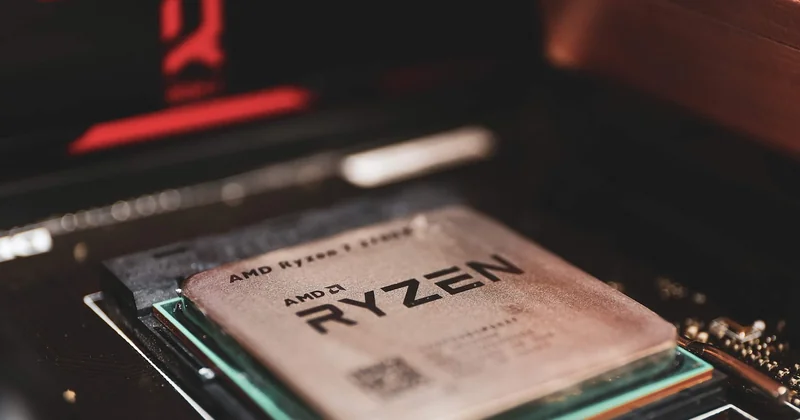
The real question isn't the product tier. It's whether you're paying for cores you'll use or cache you'll benefit from. If you game only and never stream, a well-chosen Ryzen 5 often matches a Ryzen 7 in frames for less money. Add streaming, editing, or heavy multitasking and the Ryzen 7 earns its price back.
Buy the tier that matches your workload, not the tier that sounds more serious.The socket decision nobody talks about
This is the part most buyers get wrong, and it's the only decision here you can't easily undo.
Your CPU has to physically fit your motherboard's socket, and that socket determines which future chips you can drop in without rebuilding. Choose a platform near the end of its life and your next CPU upgrade means a new motherboard and possibly new memory too—the entire core of the machine, not just one part.
My first build taught me this. I bought into a socket that was already winding down, and eighteen months later, when I wanted more cores, my only option was to replace the CPU, the board, and the RAM together. That's a 60% rebuild for what should have been a single-component swap. Since then, I choose the platform first and the specific chip within it second.
Cooling and power are part of the CPU choice
A fast chip that throttles under load is a slow chip with a nice spec sheet. Every processor has a power draw and a temperature ceiling, and if your cooler or your power supply can't keep up, the chip quietly clocks itself down to survive.
You won't always see it as a crash. You'll see it as frames that sag during long sessions, then recover after a break—the chip heating up, dropping speed, cooling, repeating. Budget for a cooler that matches the chip's appetite, and check that your power supply leaves headroom. A 20% margin over your estimated draw is a sensible target.
The decision, in one pass
Match the CPU to your resolution and refresh rate first. Pick the socket that keeps your upgrade path open. Prioritize per-core speed and cache over raw core count for gaming. Cool it properly and feed it clean power. Then—and only then—compare model numbers.
The chip that wins isn't the most powerful one on the shelf. It's the one that stops being your bottleneck at the exact moment your GPU is working hardest. Everything past that is a number you'll never feel in a game.
Which is, honestly, the most expensive way to be wrong.